
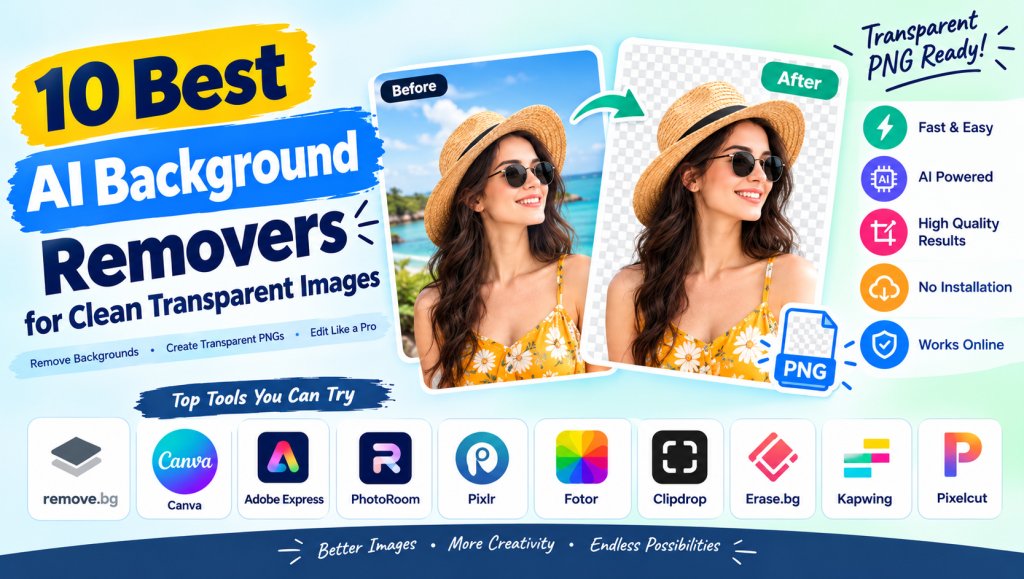
AI Background Remover tools make it easy to remove unwanted backgrounds from photos and create clean, transparent images in seconds. These tools use artificial intelligence to identify the main subject and separate it from the surrounding background without requiring advanced photo editing skills.
Whether you need product images for an online store, professional portraits, social media graphics, or transparent PNG files, the right tool can save time and effort. In this guide, we explore 10 popular AI background removal tools, their features, benefits, and limitations to help you choose the best option for your needs.
AI Background Remover and Background Eraser Tools
An AI background remover automatically detects the main subject in an image and removes the surrounding background. Popular options include remove.bg, Adobe Express, Canva, PhotoRoom, and Pixlr. These platforms simplify photo editing by offering automatic background removal, easy uploads, and downloadable image results.
An AI background eraser is useful for beginners, photographers, marketers, and online sellers. Some tools offer free background removal, while others charge for high-resolution downloads or advanced editing features. Before choosing a background removal tool, compare its output quality, supported formats, download limits, and editing options.
Transparent Background and Image File Formats
A transparent background allows an image to appear without a solid-colored backdrop. Most AI background removal tools support PNG exports, making them useful for logos, product photos, stickers, profile graphics, and website images. A transparent PNG can be placed over different backgrounds without showing an unwanted white rectangle.
Some tools also help remove white backgrounds, solid colors, or unwanted objects from images. However, JPG and JPEG files do not support transparency. If you need a background-free image, select PNG or another transparency-compatible format offered by your chosen editor.
AI Technology, Subject Detection, and Image Processing
Modern background removal tools use artificial intelligence, image segmentation, and subject detection to distinguish foreground objects from backgrounds. The software analyzes image patterns, edges, colors, and shapes to identify people, products, animals, and other visible subjects.
AI-powered image processing makes automatic cutouts faster than traditional manual editing. However, results depend on the original photo, lighting conditions, subject visibility, and background complexity. Images with clear subjects and good contrast usually produce cleaner results than blurry or crowded photographs.

Image Quality, Edge Detection, and Fine Details
High-quality background removal requires accurate subject selection and smooth edges. Details such as hair, fur, transparent glass, jewelry, and fine fabric can be difficult to separate from a busy background. The best tools attempt to preserve these details while creating natural-looking cutouts.
Before downloading an image, zoom in and inspect its edges. Some editors provide erase and restore brushes, manual masking, and edge refinement features for correcting imperfections. Choosing a high-resolution source image can also help preserve detail and reduce the risk of blurry output.
Product Photography and E-commerce Images
Online sellers need consistent product images to make their listings look professional. An AI background remover can remove distracting surroundings from shoes, clothing, electronics, furniture, cosmetics, and other products. Sellers can then create white-background product photos or prepare transparent images for catalogs and promotional graphics.
Tools such as PhotoRoom, remove.bg, and Canva can support different product photography workflows. Businesses processing hundreds of images should also consider batch editing, consistent image dimensions, and commercial licensing. Always check the marketplace’s current image requirements before publishing product listings.
Portraits, People, Animals, and Object Background Removal
Background removal is useful for profile pictures, professional headshots, passport-style photos, pet photography, and personal projects. AI tools can isolate people, animals, vehicles, and everyday objects without requiring users to trace every edge manually.
Portraits with clear lighting and visible outlines often produce better results. Curly hair, animal fur, overlapping objects, and low-contrast clothing may require manual correction. For official passport or identity photographs, check the relevant authority’s background, dimensions, and photo requirements rather than relying solely on an automatic editor.
Replace, Customize, and Edit Image Backgrounds
After removing an image background, you can add a new color, photograph, gradient, or custom backdrop. This makes it possible to create product advertisements, professional portraits, social media posts, and promotional banners using the same original image.
Some editors include AI background generators that create new scenes from text prompts. Others provide simple background color changers, blur effects, templates, and composition tools. When replacing a background, match the lighting, perspective, and shadows so the final image looks realistic instead of artificially assembled.
Bulk Background Removal and Batch Image Processing
Bulk background removal is valuable for online stores, agencies, photographers, and businesses with large image collections. Instead of editing every photo individually, users can upload multiple files and process them through supported batch editing features.
Before selecting a bulk background remover, check the maximum upload count, file size limits, processing speed, and export resolution. Some services reserve batch processing for paid plans. For large commercial projects, an API-based workflow may be more efficient than repeatedly uploading files through a browser.
Graphic Design, Social Media, and Creative Projects
Designers use transparent images in YouTube thumbnails, Instagram posts, advertisements, posters, flyers, presentations, and website graphics. Removing the background from a subject makes it easier to combine photographs with text, icons, illustrations, and other visual elements.
An AI background remover can also support sticker creation, digital product design, personal branding, and marketing campaigns. For the best results, keep the subject sharp, maintain sufficient contrast, and use a consistent visual style. Review the final image at its intended display size before publishing it.
Free Tools, Online Accessibility, and Ease of Use
Free online background removal tools are convenient because they work through a browser and generally require no advanced editing knowledge. A typical workflow involves uploading a photo, letting the software detect the subject, reviewing the result, and downloading the processed image.
However, free plans may include download restrictions, lower output resolution, watermarks, daily usage limits, or paid features. Compare these restrictions before committing to a tool. If you only need occasional transparent images, a free option may be sufficient; frequent professional editing may justify a paid subscription.
Comparison Table: 10 Best AI Background Removers
The following tools offer different combinations of background removal, design features, and editing controls. Free access and export limits can change, so check each provider’s current plan before using it for a large project.
| Tool | Best For | Key Feature |
|---|---|---|
| remove.bg | Quick photo cutouts | Automatic background removal |
| Canva | Social media designs | Background removal within a design editor |
| Adobe Express | General image editing | Background removal and design tools |
| PhotoRoom | Product photography | Product-focused image editing |
| Pixlr | Browser-based editing | Background removal and photo editing |
| Fotor | Creative photo editing | Background removal and enhancement |
| Clipdrop | AI image workflows | Background removal and image tools |
| Erase.bg | Product and personal images | Online background removal |
| Kapwing | Content creation | Background removal within a creative editor |
| Pixelcut | E-commerce visuals | Product image editing and background tools |
Note: Features, free-plan availability, output quality, and export limits vary by service and may change over time.
Professional Use, API Integration, and Workflow Automation
Professional users may need more than a simple online background remover. Photographers, developers, e-commerce businesses, and marketing teams can benefit from automated image processing, shared workflows, and tools that integrate with their existing software.
Some providers offer background removal APIs for processing images through applications or business systems. Before adopting an API, compare pricing, processing limits, supported file formats, security practices, and integration requirements. Test the workflow on real images to ensure that automation delivers consistent results at scale.

Limitations, Common Problems, and Best Practices
Even an advanced AI background remover can struggle with blurry photographs, complex backgrounds, transparent objects, fine hair, shadows, and subjects that blend into similar colors. Automatic processing may leave unwanted pixels, remove small details, or create edges that look unnatural.
To improve results, upload sharp images with good lighting and clear subject boundaries. Review the cutout carefully, use manual correction tools when available, and export in a suitable resolution. Also check privacy policies before uploading confidential photographs and confirm commercial usage rights when creating assets for clients or businesses.
See more:AI Background Remover
Conclusion
Choosing the best AI background remover depends on your image quality requirements, budget, editing experience, and intended use. Tools such as remove.bg are convenient for quick cutouts, Canva and Adobe Express support broader design tasks, and PhotoRoom and Pixelcut are useful options to investigate for product-focused workflows.
For occasional personal projects, start with a free tool and test the transparent PNG output. For professional or high-volume work, compare batch processing, advanced edge refinement, export quality, and licensing. By checking these factors before committing, you can create clean, professional images with less manual effort.
1. What is an AI background remover?
An AI background remover is an image editing tool that uses artificial intelligence to detect a photo’s main subject and remove its surrounding background automatically.
2. What is the best free AI background remover?
remove.bg, Canva, Adobe Express, and other online editors are popular options to compare. Their free features, download quality, and usage limits differ, so check their current plans before choosing one.
3. How can I remove a background and make an image transparent?
Upload your photo to a background removal tool, let it process the image, review the edges, and download the result as a transparent PNG if that export option is available.
4. Can AI background removers preserve image quality?
Many tools preserve much of the original image detail, but the result depends on the source image and export settings. Use a high-resolution photo and inspect fine edges before downloading.
5. Are AI background removers suitable for commercial use?
Many tools support commercial workflows, but permissions depend on the provider’s terms, subscription plan, and the rights associated with the original image. Review the applicable license before using images in advertisements or product listings.

