
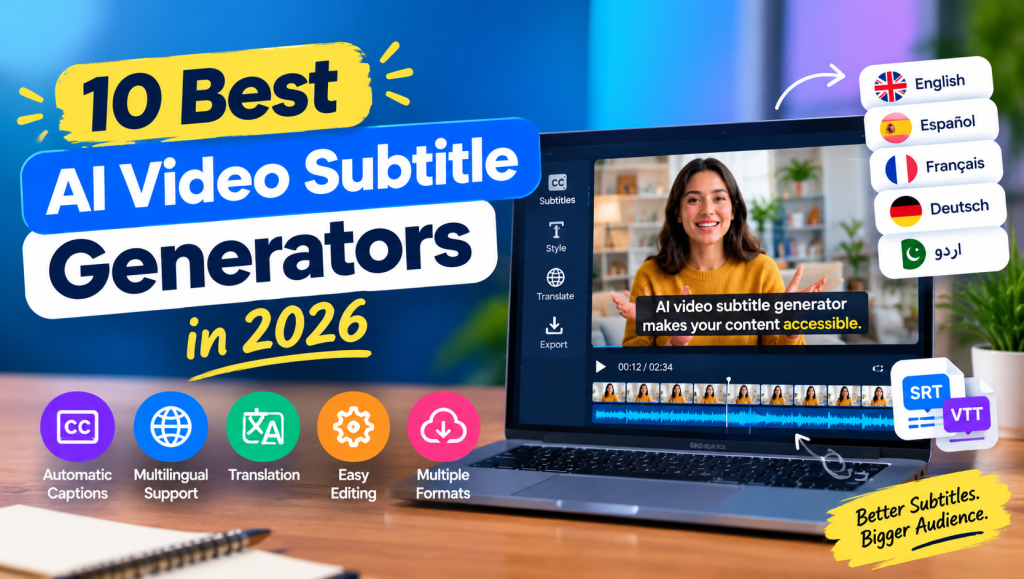
An AI Video Subtitle Generator helps content creators add accurate subtitles and captions to videos without typing every spoken word manually. These tools use speech recognition to convert audio into text, synchronize captions with speech, and make videos easier to understand. Whether you create YouTube videos, TikTok clips, online courses, or marketing content, automatic subtitles can save valuable editing time.
Choosing the right AI Video Subtitle Generator also improves accessibility, supports multilingual audiences, and makes short-form videos more engaging. In this guide, we explore 10 popular subtitle tools, their main features, benefits, and limitations so you can choose the right option for your content creation needs.
AI Video Subtitle Generator, Automatic Captions, and Speech Recognition
An AI Video Subtitle Generator converts spoken dialogue into text through automatic speech recognition technology. Instead of creating every caption manually, you upload a video, select the language, and let the software generate a transcript with timestamps. Most tools also allow you to correct errors before exporting the finished video.
The following tools offer different approaches to automatic video subtitles, from simple caption creation to advanced transcription and professional editing. Their free features and subscription limits vary, so test your preferred tool before purchasing a plan.
| Tool | Best For | Main Features |
|---|---|---|
| VEED | Online video editing | Auto subtitles, styling, translation |
| Kapwing | Browser-based editing | Captions, transcript editing, exports |
| Descript | Podcasts and long videos | Transcription, text-based editing |
| CapCut | Social media videos | Auto captions, visual effects |
| Submagic | Short-form content | Animated captions, caption styles |
| Captions | Mobile-first creators | AI-assisted editing and captions |
| Happy Scribe | Transcription and translation | Subtitle editing, multiple formats |
| Rev | Professional transcription | AI captions, human transcription options |
| Maestra | Multilingual content | Subtitles, translation, transcription |
| Subtitle Edit | Desktop subtitle editing | Subtitle timing, format conversion |
Subtitle Editing, Caption Customization, and Text Styling
A useful AI Video Subtitle Generator should offer more than automatic transcription. Caption customization helps you adjust fonts, colors, text size, positioning, and backgrounds to match your video’s visual identity. These options are especially valuable for creators who publish branded content regularly.
Some editors provide animated subtitles, word-by-word highlighting, and karaoke-style effects. Before exporting, preview the captions to check readability and timing. Keep text large enough for mobile screens and use strong contrast between the caption text and background.
For example, VEED and Kapwing provide browser-based subtitle editing, while Submagic focuses on visually styled short-form captions. The best choice depends on whether you prioritize professional appearance, quick editing, or creative effects.
Multilingual Subtitles, Translation, and Global Accessibility
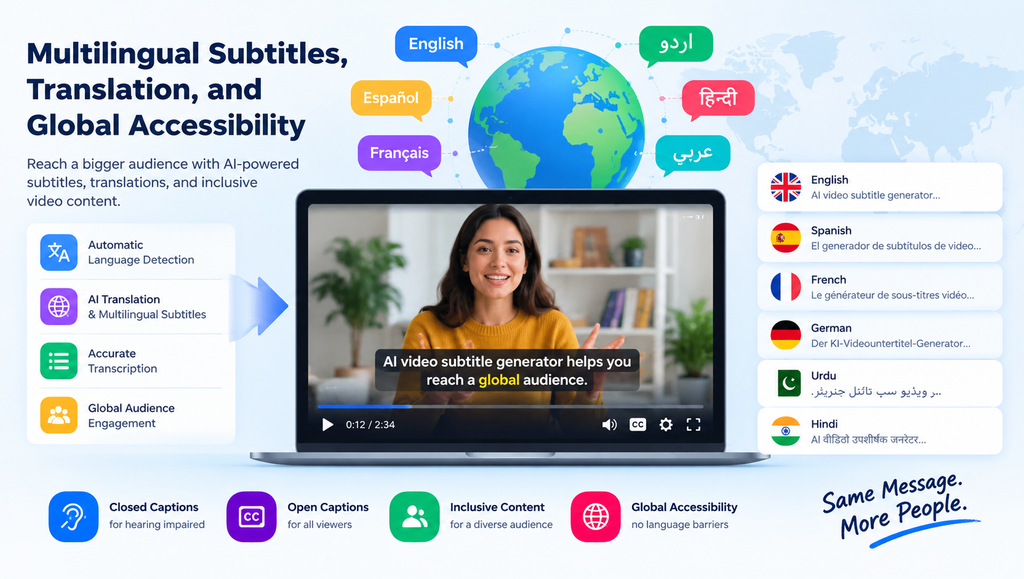
An AI Video Subtitle Generator can help creators reach viewers who speak different languages. Automatic language detection, translated captions, and multilingual transcription make it easier to adapt videos for international audiences. Depending on the platform and plan, you may be able to translate subtitles into languages such as English, Spanish, French, Urdu, and Hindi.
However, transcription and translation are different processes. Transcription records what the speaker says, while translation converts that meaning into another language. Review translated captions carefully because idioms, technical expressions, and cultural references may not translate naturally.
Tools such as Happy Scribe, Maestra, and VEED are worth exploring for multilingual workflows. Check the supported languages and translation limits before choosing a service, particularly if your content requires accurate Urdu or regional-language captions.
Video Formats, Export Options, and Platform Compatibility
Before selecting an AI Video Subtitle Generator, decide how you intend to publish your videos. Some tools embed captions directly into the video, while others let you download separate subtitle files. Both methods are useful, but they serve different purposes.
An SRT file contains subtitle text with start and end timestamps. VTT is another common format, particularly for web-based video players. Separate files are useful when you need editable captions, while burned-in subtitles remain visible regardless of the viewer’s subtitle settings.
Check whether your chosen tool supports MP4 uploads, SRT and VTT downloads, and your preferred video resolution. If you publish on YouTube, Instagram Reels, TikTok, or Facebook, confirm that the exported video and subtitle format suit the platform’s requirements.
AI Video Subtitle Generator Features and Benefits
The main benefit of an AI Video Subtitle Generator is the reduction in repetitive editing work. Automatic captioning can turn a lengthy manual task into a faster workflow, allowing creators to spend more time improving their videos, writing scripts, and planning new content.
Many tools combine transcription, subtitle synchronization, editing, and video export in one interface. Some also provide cloud processing, reusable caption templates, and integrations with other editing features. These capabilities can help freelancers, marketers, teachers, and small businesses produce content more efficiently.
Nevertheless, automatic captions should not be treated as finished work without review. Even a capable AI Video Subtitle Generator can misunderstand names, accents, background speech, or specialized vocabulary. Proofreading remains important for professional results.
Social Media Videos, YouTube Captions, and Content Creation
An AI Video Subtitle Generator is particularly useful for short-form content, where viewers often scroll quickly and may watch without sound. Clear, well-timed captions communicate the message immediately and help audiences follow conversations in busy environments.
YouTubers can use subtitles for tutorials, interviews, reviews, and educational videos. TikTok and Instagram creators may prefer animated captions, highlighted keywords, and bold text styles that match their editing approach. Podcasters can also reuse transcripts to create captions for promotional clips.
For social media workflows, CapCut and Submagic are worth considering for caption styling, while Descript is useful when transcription and video editing need to work together. Always check captions on a phone before publishing because text that looks readable on a desktop may be too small on a mobile screen.
Subtitle Accuracy, Timing, and Transcription Quality
A reliable AI Video Subtitle Generator needs accurate speech recognition and well-synchronized timestamps. When captions appear too early, disappear too quickly, or contain incorrect words, viewers may struggle to understand the message.
Audio quality has a significant impact on results. Background music, overlapping speakers, unclear pronunciation, and unfamiliar accents can reduce transcription accuracy. Use clear recordings whenever possible, reduce unnecessary background noise, and review the transcript before exporting the final video.
Speaker identification and automatic punctuation can also improve readability. However, an AI Video Subtitle Generator may still misidentify speakers or misunderstand names and technical terms. Human proofreading is especially important for educational, legal, medical, and business videos where mistakes can change the meaning.
Accessibility, Closed Captions, and Inclusive Video Content
An AI Video Subtitle Generator can make video content more accessible to deaf and hard-of-hearing viewers, people watching in noisy places, and audiences who prefer reading along with speech. Captions also support viewers who are learning a language or trying to understand unfamiliar terminology.
Subtitles and captions are not always identical. Subtitles commonly display spoken dialogue, sometimes translated into another language. Closed captions may also include speaker labels and meaningful sound descriptions, such as a phone ringing or music playing. These details help viewers understand important audio information.
For better accessibility, choose readable fonts, sufficient contrast, sensible line lengths, and appropriate caption timing. Avoid placing text over important visual details. When accessibility is a priority, review the final video rather than relying exclusively on automatic generation.
AI Subtitle Generator Pricing, Free Plans, and Limitations
A free AI Video Subtitle Generator can be a practical starting point for beginners, students, and creators who publish occasionally. However, free plans may limit video duration, monthly transcription minutes, export quality, available languages, or watermark removal.
Paid subscriptions may include longer videos, advanced caption styles, team collaboration, translation, and additional export options. Some services use monthly subscriptions, while others offer usage-based pricing or professional transcription services. For example, Happy Scribe offers a free trial alongside paid plans, but its included minutes and export features depend on the selected plan. See its official pricing information.
Before subscribing, calculate how many minutes of video you process each month. Also review privacy policies, file retention practices, commercial-use terms, and cancellation conditions. If you upload confidential recordings, choose a service whose data-handling practices meet your requirements.
Professional Video Production, API Integration, and Automation
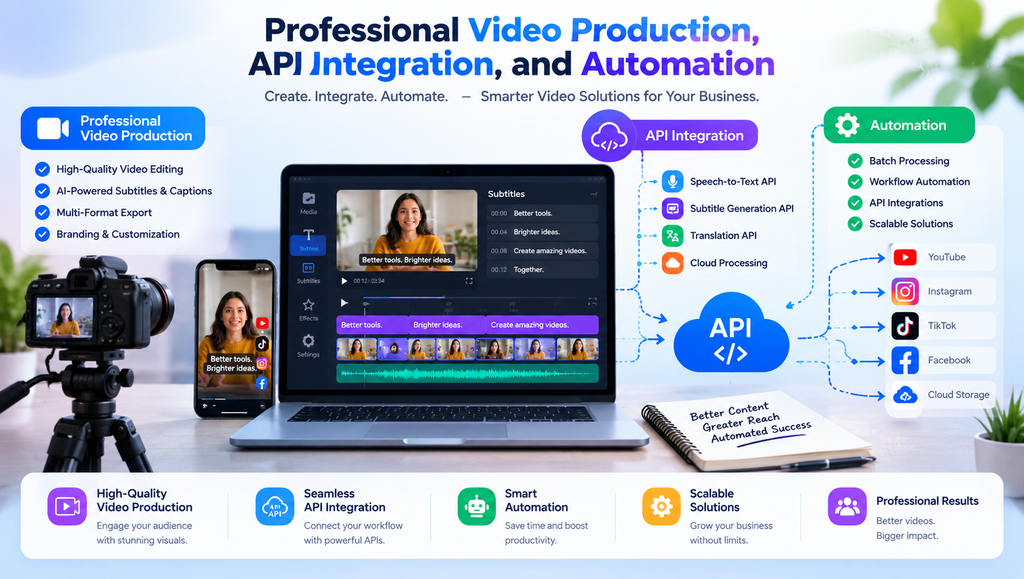
For agencies and businesses, an AI Video Subtitle Generator can become part of a larger content production workflow. Instead of manually processing every video, teams can use transcription services, subtitle exports, and integrations to make recurring projects easier to manage.
Some enterprise solutions offer APIs for speech-to-text processing, batch transcription, and automated media workflows. These capabilities can be helpful for online learning platforms, video libraries, broadcasters, and businesses publishing content at scale. Before integrating a service, confirm its API limits, supported formats, security options, and pricing.
For individual creators, a browser-based editor may be sufficient. Larger teams should also evaluate collaboration tools, review processes, and subtitle consistency across projects. A dependable AI Video Subtitle Generator should fit the existing workflow rather than introduce unnecessary complexity.
How to Choose the Best AI Video Subtitle Generator
The best tool depends on your content, budget, and editing requirements. Beginners may prefer an easy online editor, while professional teams may need multilingual support, advanced subtitle exports, or API integration.
Use these points when comparing your options:
- Ease of use: Choose an interface that makes uploading, editing, and exporting simple.
- Accuracy: Test the tool with your actual audio, accents, and speaking style.
- Language support: Confirm transcription and translation availability for your target languages.
- Customization: Look for readable fonts, adjustable positioning, and suitable caption templates.
- Export options: Check SRT, VTT, and captioned-video downloads.
- Pricing: Compare free-plan limits with your monthly workload.
- Privacy: Review how uploaded videos and transcripts are stored and processed.
An AI Video Subtitle Generator should save time without compromising the quality of your final content. Try two or three tools with the same video before deciding which one delivers the best balance of accuracy, convenience, and cost.
See more:AI Video Subtitle Generator
Conclusion
An AI Video Subtitle Generator makes subtitle creation easier for YouTubers, social media creators, educators, marketers, and professional video editors. Tools such as VEED, Kapwing, Descript, CapCut, and Happy Scribe offer different combinations of transcription, editing, translation, and export features.
There is no single solution that works best for every project. Compare the available features, test transcription accuracy, and check the limitations of each plan before committing to a subscription. Most importantly, review your captions before publishing to ensure the final video is clear, accessible, and professional.
1. What is an AI Video Subtitle Generator?
An AI Video Subtitle Generator uses speech recognition to convert spoken dialogue into timed captions. It can automatically create subtitles, provide an editable transcript, and sometimes translate the captions or embed them directly into a video.
2. Which AI video subtitle generator is best in 2026?
VEED is a strong option for online editing, Descript suits transcript-based video workflows, CapCut is useful for social media content, and Happy Scribe offers transcription and multilingual subtitle features. The best choice depends on your requirements and budget.
3. Can I generate video subtitles for free?
Yes. Several tools offer free plans or trials, although features may be limited. You can also explore Subtitle Edit for desktop subtitle work. Check current limits, supported formats, and export restrictions before starting a project.
4. Can AI subtitle generators translate videos into Urdu?
Some tools support Urdu transcription or translation, but availability varies by service and feature. Check the current language list and test a short video first. Review the translated text carefully to correct spelling, grammar, and contextual errors.
5. Are AI-generated subtitles always accurate?
No. Accuracy depends on audio quality, accents, background noise, overlapping speakers, and the vocabulary used. Always proofread captions, correct synchronization problems, and verify names or technical terms before publishing your video.

